 Tiny Desk AI Video
Five photos. One Tiny Desk band.
This completed example uses one portrait for each performer in the Outstanding scene. Compare the reference photos with the whole-person replacements in the video.
The five reference photos
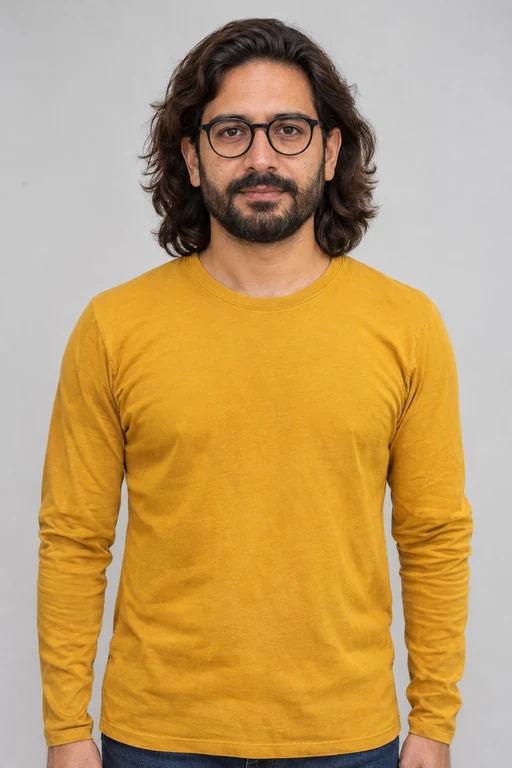
Lead singerSolo close-up 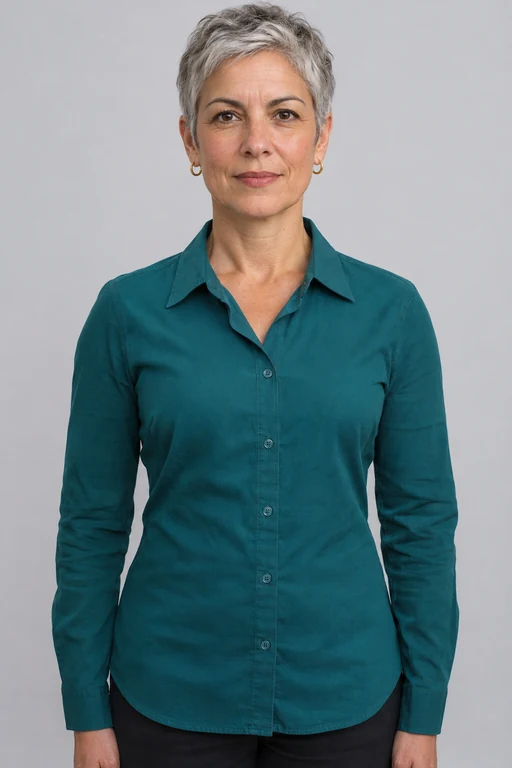
SaxophoneInstrument close-up 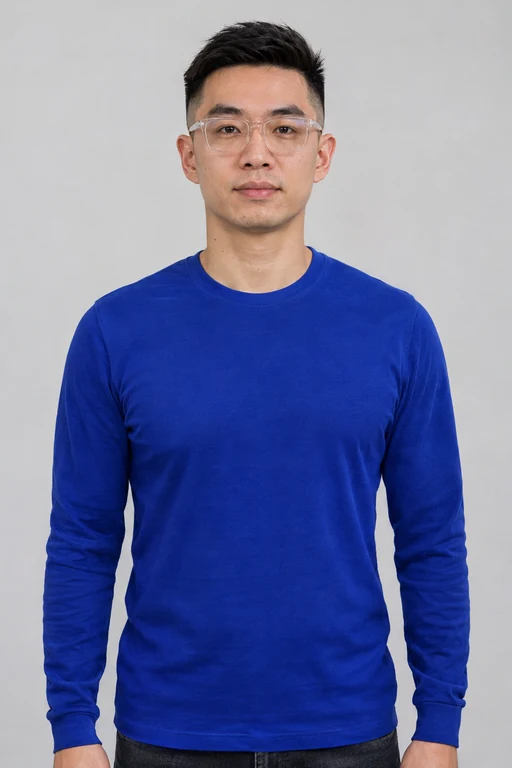
Back-left singerLeft of the group 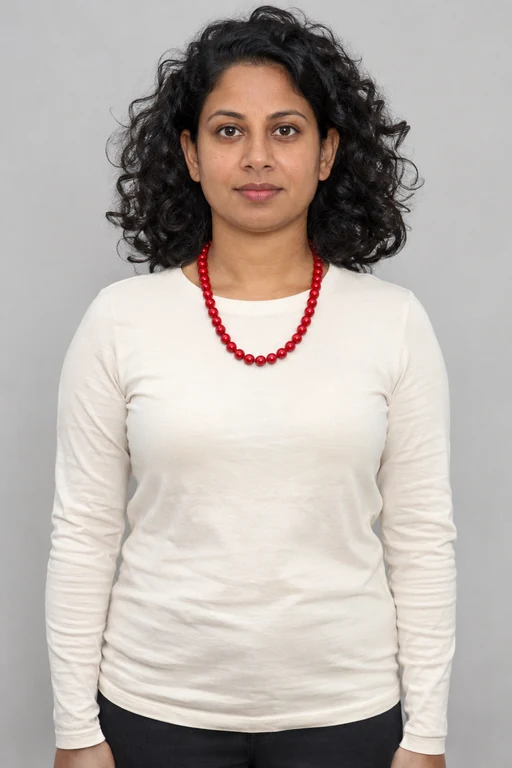
Front singerSeated at the keyboard 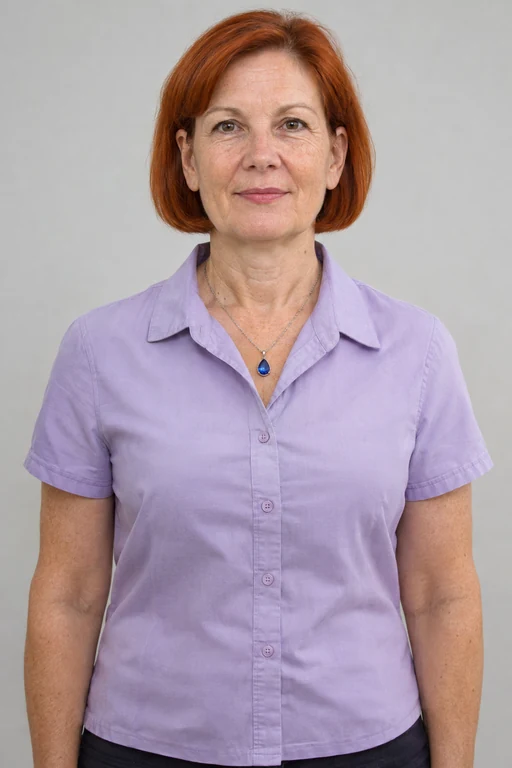
Back-right singerRight of the group
These are synthetic portraits of fictional people. This is a finished sample; selecting your own photos does not change it.
- Length
- 18.83 seconds
- Video
- 768 × 1408 · 24 fps
- Audio
- Original soundtrack
- Sample prepared
What the photos carry into the scene
The references guide the person’s visible appearance, including hair and upper-body clothing. In the opening group shot, you can see the back-left singer’s blue top and glasses, the front singer’s dark curls, cream top and red beads, and the back-right singer’s red bob and lavender shirt.
Those differences make the three people easy to match to their photos. The lead singer and saxophone player use separate portraits for their close-ups.
What to check throughout the clip
Watch beyond the opening frame: check the lead and saxophone shots, then compare the three backing singers when the group returns. Hair shape, jewelry, hands and mouth movement can vary between frames. This example does not establish a success rate for other photos.
The file keeps the source soundtrack. Its stage and performance provide the setting, while the generated appearance and movement are not exact copies of the references or source footage.
Prepare your five people
Choose and review photos on your device. Sign in and continue to checkout to upload your five photos. Saving a cast does not start video production.